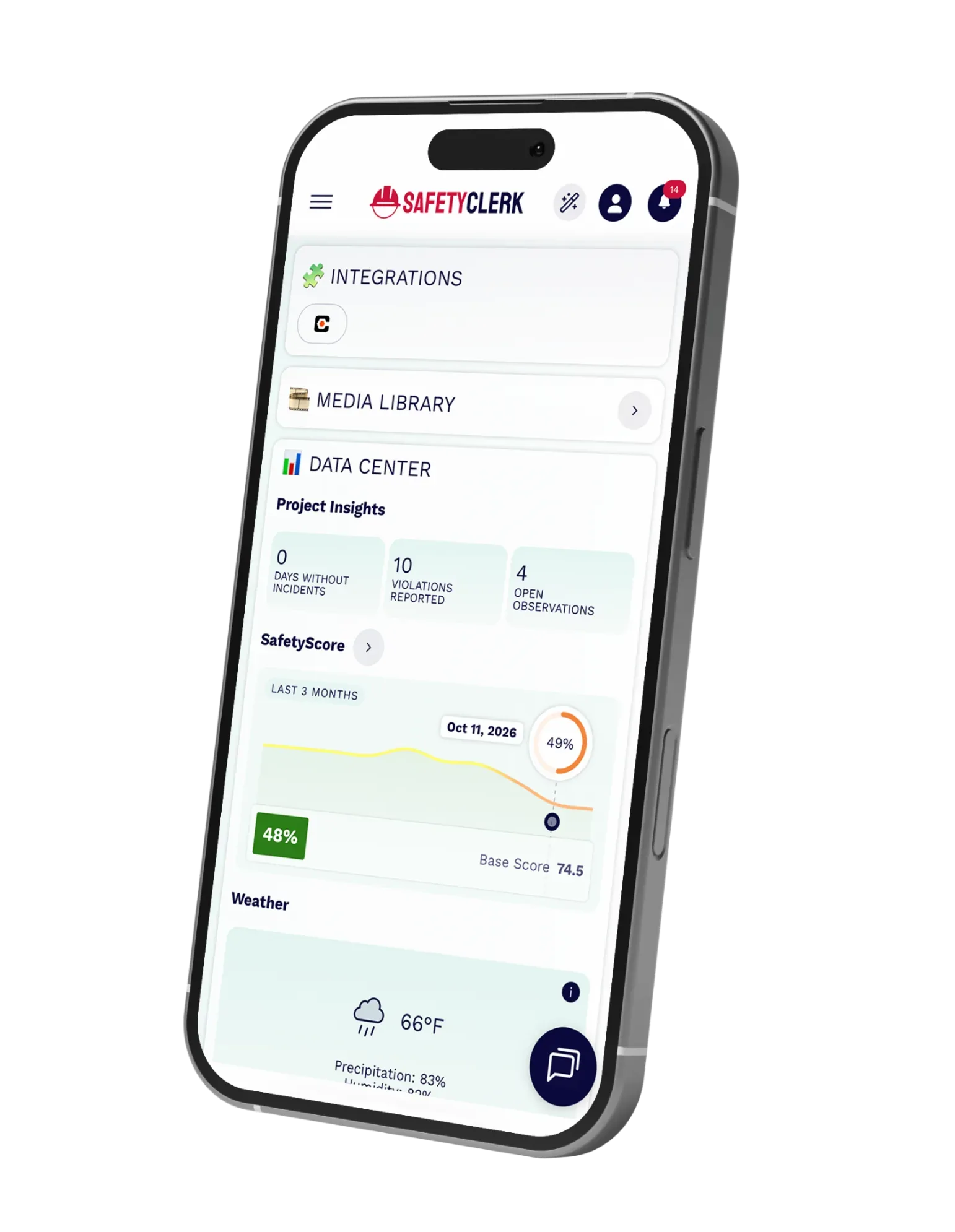
Procore Integration Image

STREAMLINE
&
 
i
n
t
e
g
r
a
t
e
icon
YOUR SAFETY COMPLIANCE

SafetyClerk logoX iconProcore logo

The SafetyClerk-Procore integration files every finished safety document in Procore, fills the Daily Log manpower for each subcontractor, and uploads your site photos to the Photos tool. Your Procore project stays complete without anyone uploading a file or re-typing a headcount.


How it Works

1.

Every Document Filed

Pre-shift logs, permits, inspection logs, toolbox talks, daily logs and more land in Procore Documents as soon as they are finished, organized by date, company or location. When a document changes, the same file is updated.

2.

Manpower in the Daily Log

Every night, each subcontractor’s headcount, hours and work activities go into the Manpower log of Procore’s Daily Log, taken from your pre-shift or daily logs and, if you choose, access control. It can also sync as soon as a log is submitted.

3.

Photos Where They Belong

Daily-log photos appear in that day’s Procore Daily Log, and Media Library photos land in their own SafetyClerk album, all in full resolution.

COME FIND US ?arrow icon

on Procore

Visit the Procore Marketplace to explore our integration and enhance your project workflows.
procore image

BUILD SAFE

Dream BIG

SafetyClerk is the construction management platform that makes safety compliance, and risk management of your job site simple and visible in one click.

Follow us on:

FacebookInstagramLinkedIn

Stay on
the loop!

SUBSCRIBE TO OUR NEWSLETTER

ConstructionClerk - 2026 - All rights reserved